
How it works
- Create a group for your wedding in the Kreis app on iPhone or Android. It takes a minute and you sign in with a code from your e-mail, no password.
 Scan with your iPhoneDownload on theApp Store
 Scan with your Android phoneGET IT ONGoogle Play
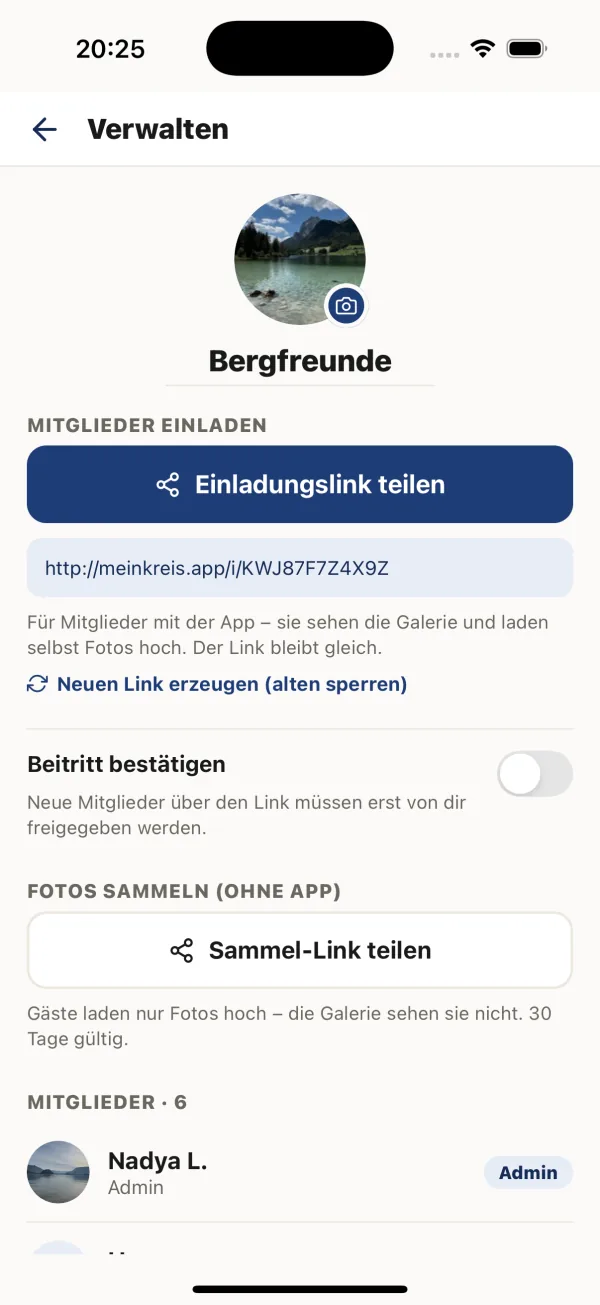
 - Create a guest upload link on the group’s share screen and save it as a QR code. The image is high-resolution, so it prints sharp on table cards, a welcome sign or the menu.
- Guests scan and upload. The phone camera opens the upload page, they can add their name, pick as many photos as they like and send them. No app, no account.
- Everything lands in your album, sorted by day, with the original files. Like, comment, and download the whole album whenever you want.
What your guests see
A simple page with your names, a field for their own name (optional) and one big button to choose photos. They can select a whole evening at once from their gallery, and the page shows each photo as it uploads. If you allow it, a button below lets them open the whole album and see everyone else’s pictures too.
Why couples use Kreis for this
- No app for guests. Your grandmother and your friends from abroad can all join in with just the phone camera.
- Full quality. Kreis keeps the original file of every photo, unlike messenger groups that shrink them.
- Private, not public. Nothing is posted anywhere. Only you and the people you invite see the album.
- iPhone and Android. Everyone uploads the same way, whatever phone they have.
- Servers in the EU, no ads. Your photos are not used for anything else.
What to put on the sign
Keep it short and put the QR code large enough to scan from a chair. A wording that works:
Place one card per table plus a bigger sign at the entrance or the bar. Ask whoever gives the speeches to mention it once, and send the link in a message the next morning — that is when most photos come in.
Before the big day
What it costs
Kreis is free to start: the free plan gives your group 2 GB, around 1,000 photos. A wedding with 80 or more guests usually produces more than that, so most couples switch to Kreis Plus: 50 GB for the whole group, €3.99 a month or €39 a year. One plan covers everyone, guests never pay, and you manage it in the app.
Questions couples ask
Do our guests need to install an app?
No. Guests scan the QR code with their phone camera, the upload page opens in the browser, and they choose their photos. No app, no account, no password.
Are the photos compressed?
No. Kreis keeps the original file of every photo, and you can download the whole album in full quality.
How long does the QR code work?
A guest upload link works for 60 days from the moment you create it. Create it two to four weeks before the wedding, so it stays open for a month afterwards.
Can guests see each other’s photos?
Only if you want them to. When you create the link you can allow guests to open the whole album, or keep it upload-only.
Can guests upload videos?
Not yet. The guest upload page accepts photos only.
Is it free?
Kreis is free to start with 2 GB (around 1,000 photos). For a bigger wedding, Kreis Plus gives the whole group 50 GB for €3.99 a month or €39 a year. Guests never pay.